Jump To: Support > KB > NetManager > Email > Filtering
Email Content Filtering
NetManager email content filtering uses a list of words (or parts thereof) to check emails in and out of the system. It can also block attachments by file extension on inbound emails (for more details see here). The system also enforces mailbox quotas (which are set using Email > Quotas in webadmin). For details on enabling filtering and altering the word list, see below.
Inbound filtering steps
Emails are checked at the point of delivery to the INBOX. The checks are as follows:
1) Mails that have blocked attachments are not delivered and a mail is sent back to the sender telling them that the email has been blocked. The message is "Your email has been rejected as it contains an attachment with a filetype that we have chosen not to accept for security or anti-virus reasons." (for more details see here)
2) The size of the INBOX is checked to enforce mailbox quota size (if set). If the INBOX size is greater than the quota set, an email like the following will be delivered to the recipient:
An email has been received from sender@theirdomain.com.

Your email INBOX is too big and so mail is being rejected. Please delete
some messages as soon as possible. Your mailbox is 21000kB in size
and you are only allowed 20000kB.
The sender will receive a message saying that their email was temporarily undeliverable (it may contain the phrase EX_TEMPFAIL).
The mail logs will show something along the lines of Deferred: local mailer (/usr/libexec/mail.filter) exited with EX_TEMPFAIL (this may be truncated in some circumstances).
3) The email will be checked for words on the Blocking word list. If there are any hits, the email will be silently dropped.
4) The email will be checked for words on the Censorship word list. If there are any hits, an email will be sent to the configured administrator with the blocked email as an attachment. In addition, the group that the recipient is in will be determined and if an alias called admin-<groupname> exists, the email will be send to that address too.
Outbound filtering
Outbound filtering only works with Webmail. When the user hits Send, their email is checked against the Censorship word list. If there are any hits, an email will be sent to the configured administrator with the blocked email as an attachment. The user will also immediately see a message saying (by default) "You have been reported to the administrator for using bad language".
Configuration
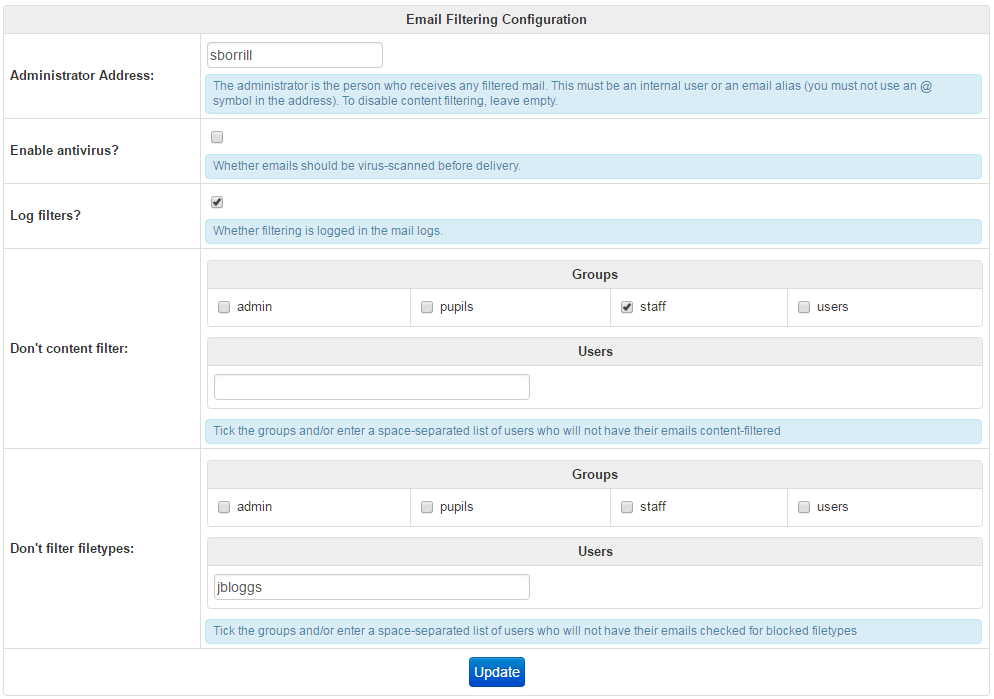
Content-filtering is enabled and configured using the General settings tab on Email > Filtering in webadmin. From here, you can set an administrator address (which enables content-filtering) as well as enabling anti-virus scanning and selecting which users/groups are not content-filtered:
Altering word/phrase lists used for content filtering
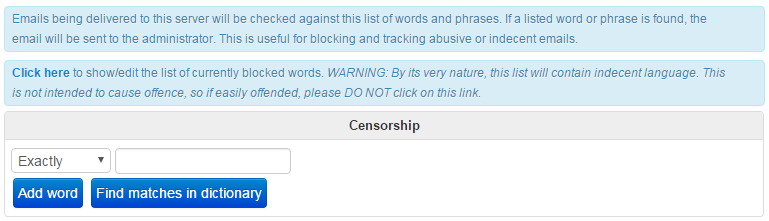
The list of word and phrases to block can be viewed and editing using the Censorship word list and Blocking word list tabs on Email > Filtering in webadmin: