Step 1
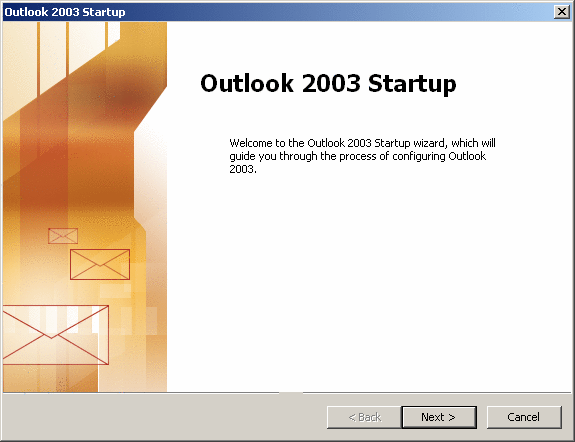
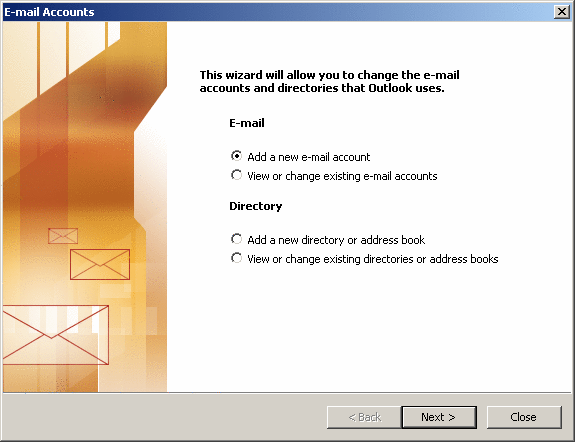
When Outlook first launches, you'll see the Startup Wizard window which looks like the top window. Just click Next.If you are already using Outlook, choose the "Tools >E-Mail Accounts" menu option which will give you a window like the second one. Select "Add a new e-mail account" and then Next.