Step 1
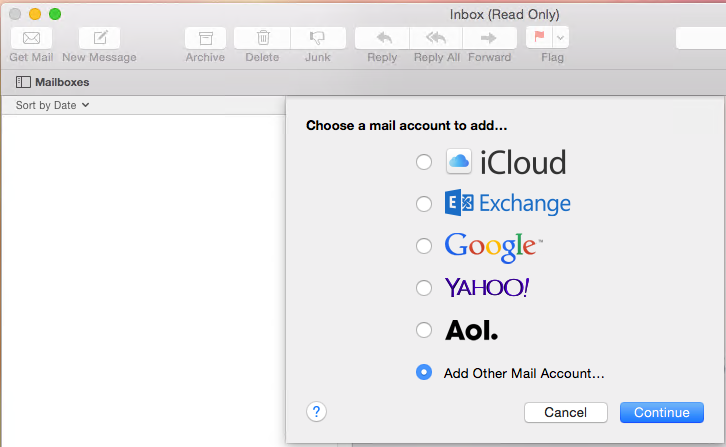
Launch the Mac OS X Mail application. You will be prompted to create a new account, select Add Other Mail Account... and click Continue.
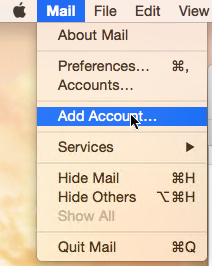
If you do not see the window inviting you to add an account (e.g. if you already have another account set up), pick Add Account... from the main Mail menu: