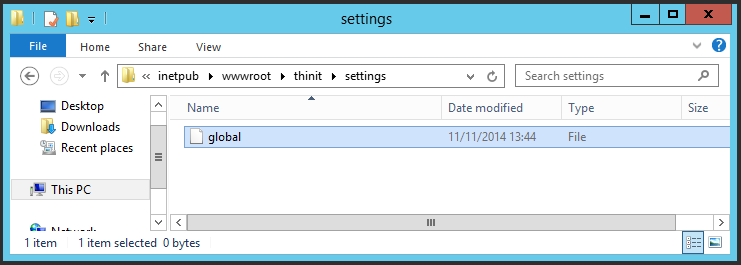
Step 3
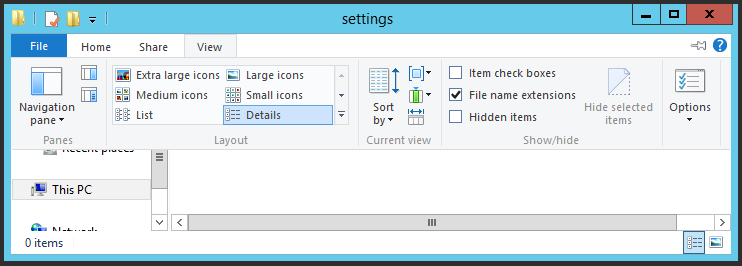
Ensure that you have set your computer to display file name extensions. On Server 2012R2, click on the View menu and tick the File name extensions option.
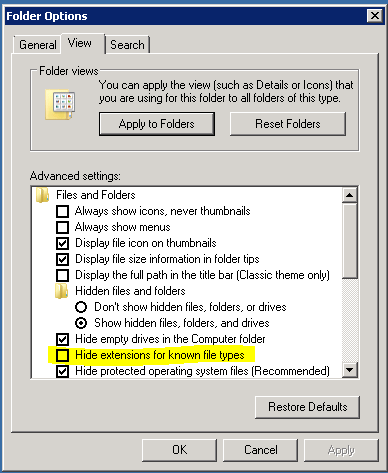
To do the same on Server 2008R2, you'll need to go to the Organize menu, select Folder and Search options and untick Hide extensions for known file types on the View tab.
Inside the settings folder, create a file called global.
N.B. This must not have a file extension. One way to create it is to
right-click and choose New > Text Document, then rename the file
to global (not global.txt and confirm that you wish to change the file extension if
prompted. If you have not selected to view file extensions, you will not be
able to do this as the .txt extension will be hidden.