Step 1
The Precedence email system supports defining delivery filters (using the industry-standard Sieve mail-filtering system). These can be managed wth any email client that supports the ManageSieve protocol. There are ManageSieve plugins for Thunderbird and other email clients, but you can also use Precedence Webmail to define your filters even if you don't use webmail for anything else.
Filters allow you to alter what happens when emails get delivered. They run on the mail server, so once set up the client plays no further role. You set up a series of rules that determine which messages to act on and then one or more actions to take if matched. Examples of what actions filters can take:
- Move to folder
- Copy to folder
- Redirect to another address
- Send a copy to
- Discard with a message
- Reply with a message
- Delete
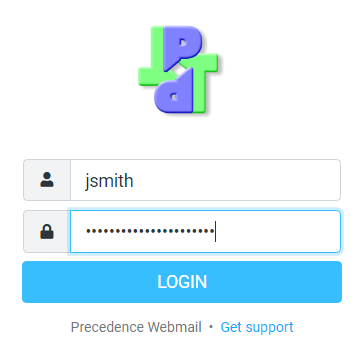
To configure filters, go to the Precedence Webmail login page and login as usual with your username and password. Here is a screenshot of what it looks like: